Contents
If you want ChatGPT Plus but don’t have a foreign-currency card, the least hassle is still a US Apple account plus a gift card. In the US App Store, Plus is listed at $19.99. You can buy gift cards with Alipay, redeem them to your balance, and subscribe right in the app, without ever adding a card.
It’s not the cheapest route; the Philippine App Store charges only ₱999, about $15.90. But US gift cards are the easiest to buy and the process is the most proven. Below I go in order from creating the account to a successful subscription, with links to each step.
What you need before starting
An iPhone or iPad on iOS 18 or later, which the ChatGPT app in the US App Store requires. An OpenAI account you registered yourself; don’t use a bought one. An email address that has never been used for an Apple account. And Alipay.
Step 1: Create a US Apple account
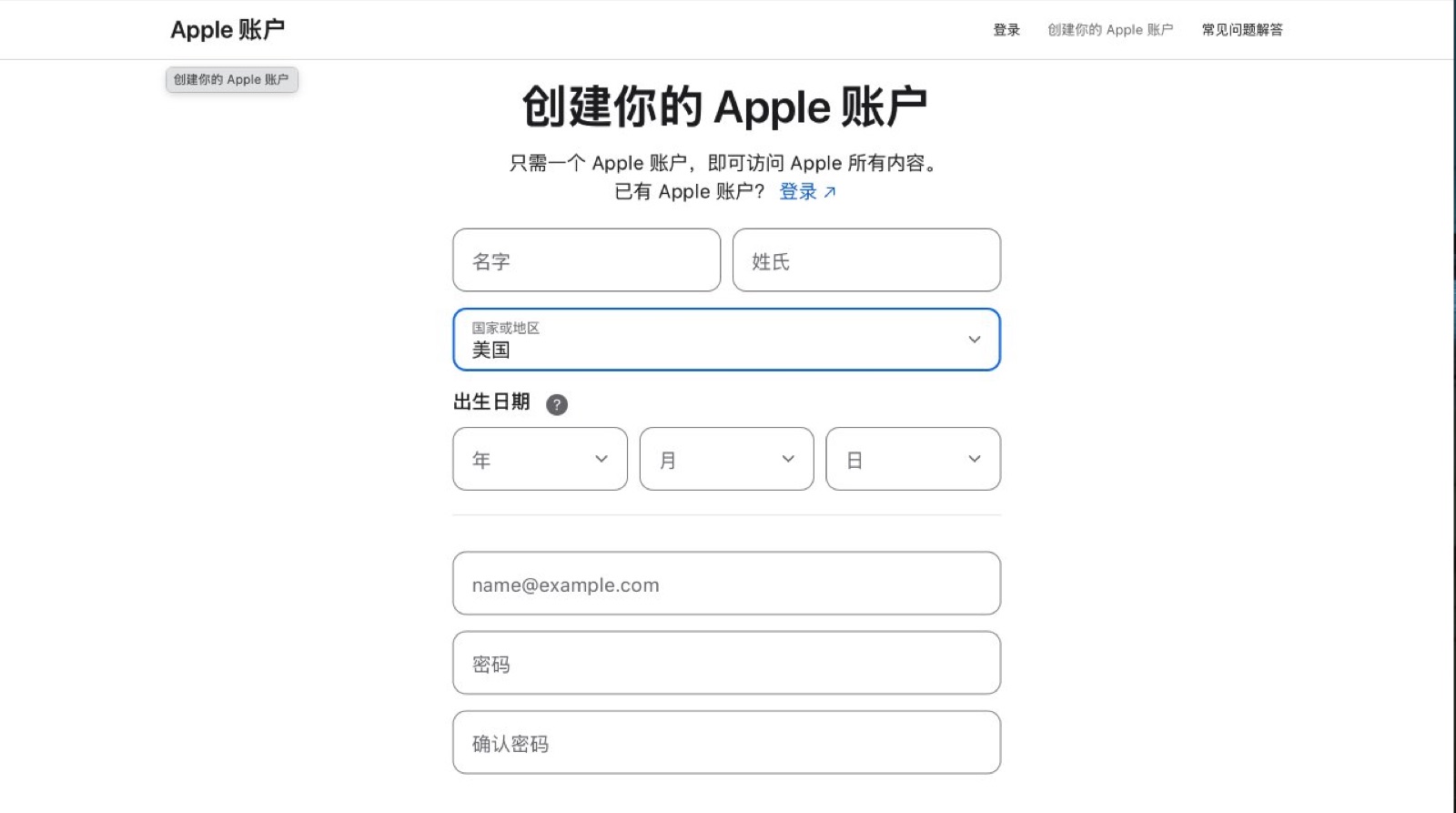
Apple documents several ways to sign up, on iPhone, Mac or Windows: https://support.apple.com/kb/HT204316. Choose United States as the country or region, choose None for payment, then verify your email and phone number as prompted. In my testing, your own phone number works fine.
If you don’t see the option to create an account on your phone, Apple says you need to sign out of iCloud first. If you don’t want to touch iCloud, sign up in Apple Music on a Mac or Windows PC, then go back to your phone and sign in to the new account only under Media & Purchases: Settings, tap your name, then Media & Purchases. That way your photos and backups stay on your original account.
The billing address must be a US address. Pick a state without sales tax; that just saves on tax. All you need to know is that the US store calculates tax from this address, so leave room for tax when you top up later.
Step 2: Buy a US gift card
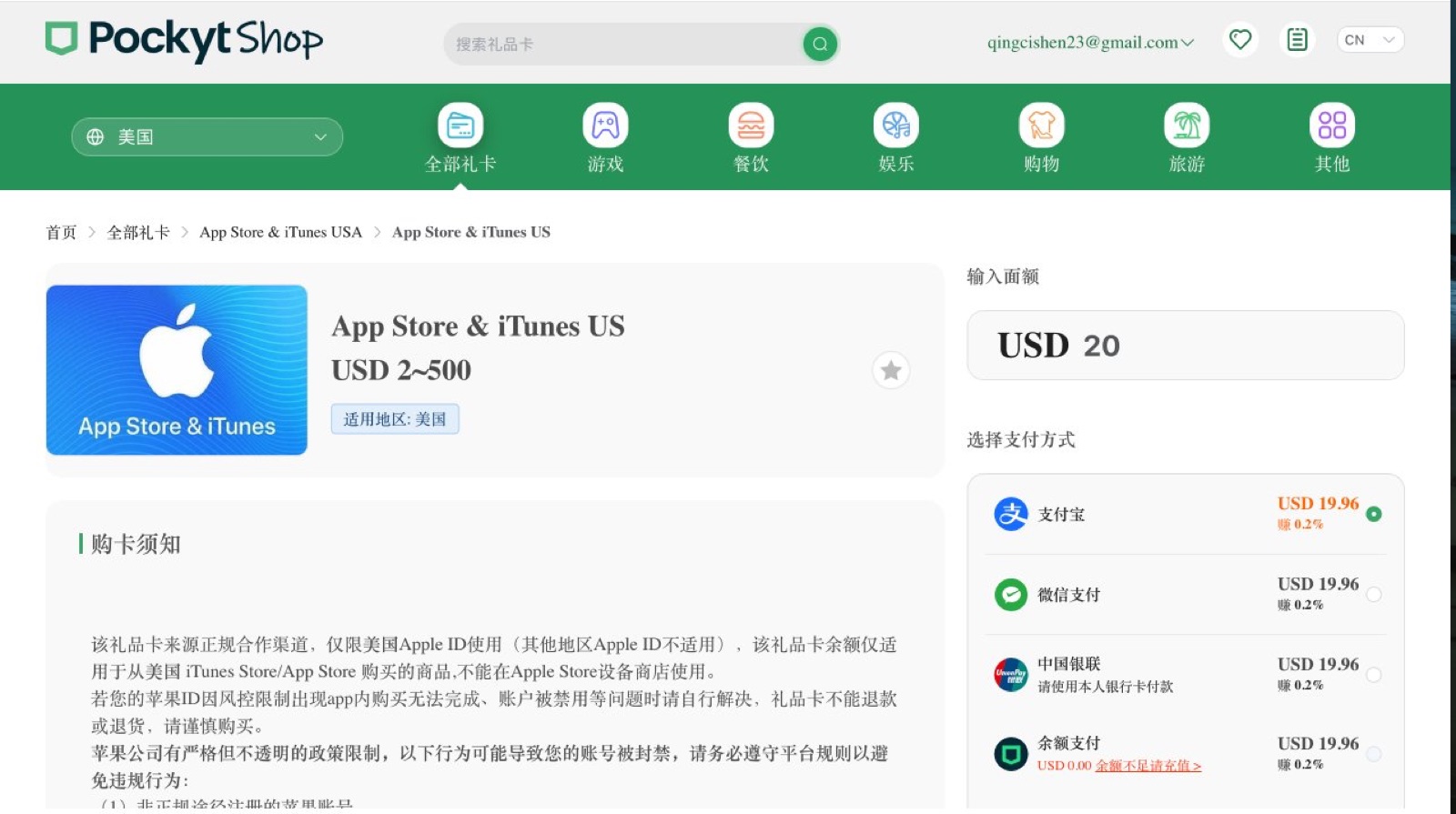
Pockyt Shop used to be the discounted gift card shop inside Alipay. It’s been removed from the Alipay app, but the website still works: sign in by scanning with Alipay and pay by scanning too, at https://shop.pockyt.io.
If you can’t get one there, try SEAGM https://www.seagm.com: choose Apple Gift Card (US) and pay with Alipay USD. One person’s test found a 1% service fee on a $2 card, $2.02 in total. Buy a $2 card first and try redeeming it; once that works, buy a bigger one. Some denominations sell out, so look around.
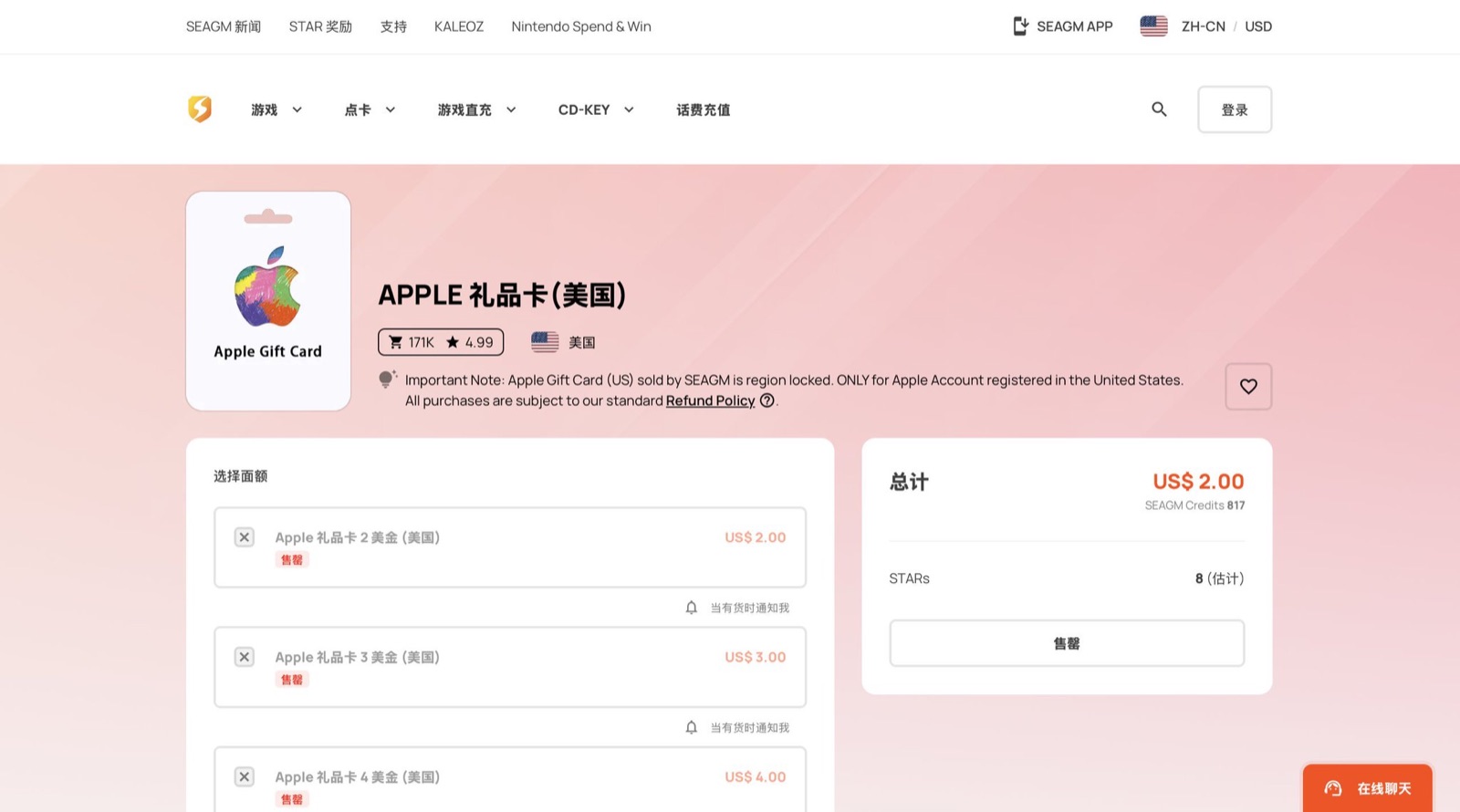
Only buy from legitimate sellers. Many discounted cards on resale platforms were bought with stolen cards; once the original cardholder disputes it, Apple claws back the balance, and in serious cases disables the whole account. Cards bought in the US can only be redeemed on US accounts, so don’t buy the wrong region. From what I’ve seen, this one has been restocked recently.
Step 3: Redeem to your account balance
In the App Store, tap your avatar at the top right, choose Redeem Gift Card or Code, and enter the code by hand. When the page shows how many dollars were added, it’s in. Apple’s redemption guide: https://support.apple.com/118242
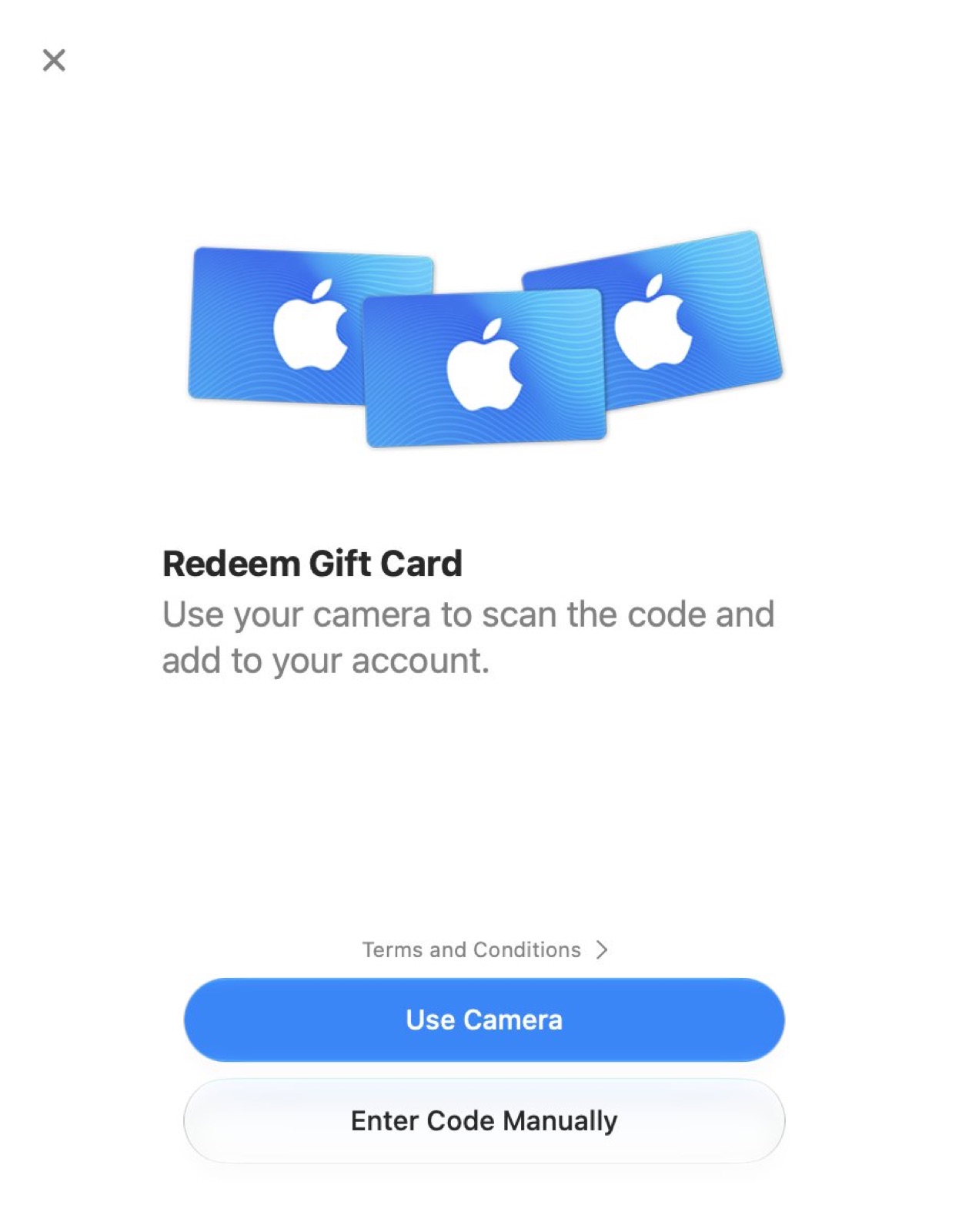
How much to load matters too. Plus is listed at $19.99, and someone who loaded exactly $20 got an insufficient-balance error at checkout because of tax. So for the first time, I’d load around $25.
Step 4: Subscribe in the app
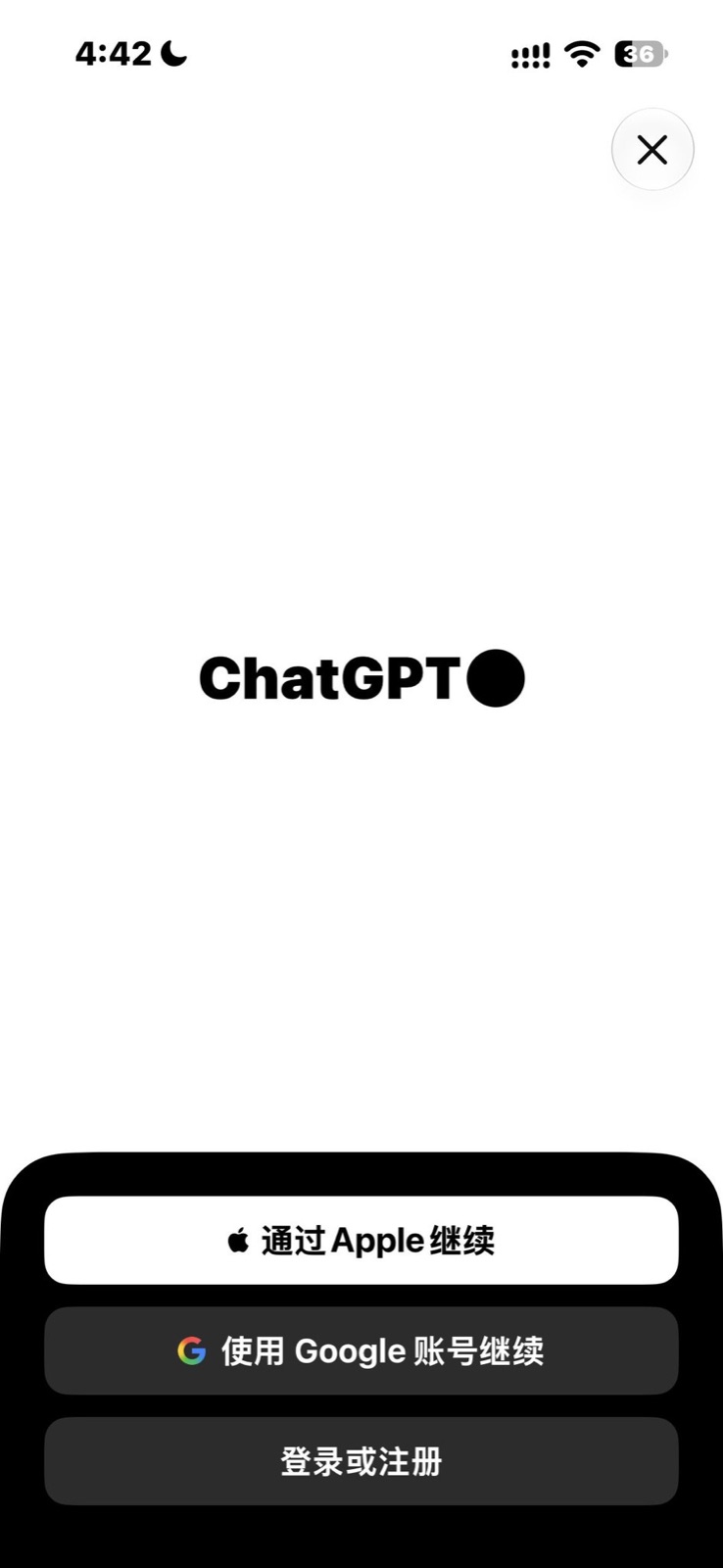
Download ChatGPT from the US App Store https://apps.apple.com/us/app/chatgpt/id6448311069, sign in with your own OpenAI account, go to Settings and find Upgrade to Plus. As long as the confirmation screen says it’ll be paid from your Apple Account balance, you’re set.
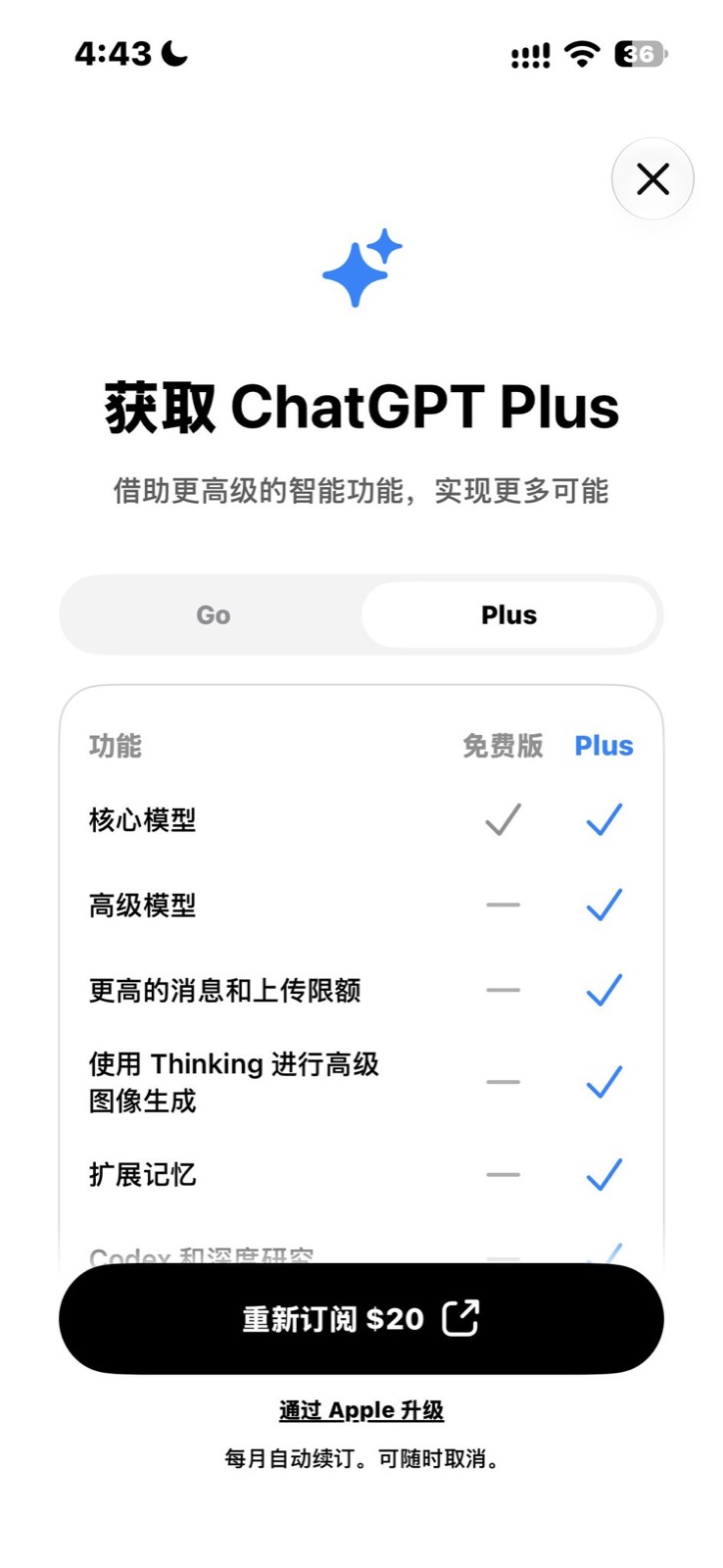
Apple notes that some purchases may still require a credit card on file even when paid from your balance, and some subscriptions don’t draw from the balance at all. In August, someone subscribing to Plus with a legitimate gift card had the transaction sent to review. If that happens, don’t keep tapping; wait for the review or contact Apple Support.
The easiest pitfall to fall into
Once an Apple account subscribes to ChatGPT for the first time, it’s tied to that GPT account. Someone bought a used US Apple account to subscribe, and after paying got “Purchases for your Apple ID are associated with another ChatGPT account”, and ended up asking Apple for a refund. So always create the Apple account yourself, and before subscribing, make sure the app is signed in to the GPT account you actually want to use.
If you already have Plus through the website, don’t subscribe again in the App Store; web subscriptions can only be managed at chatgpt.com. If your subscription doesn’t show up after switching phones or reinstalling, go to Account in the app’s settings and tap Restore purchases.
OpenAI sells its own gift cards too, but says they can currently only be bought and redeemed in the US and are only for checkout on the web. That’s a different thing from the Apple gift cards in this post, so don’t mix them up.
Renewing and canceling
Renewals are charged automatically from your balance. Check before the billing date that you have enough for another month, or the charge will fail. To cancel, open Settings on your iPhone, tap your name, go to Subscriptions, find ChatGPT and cancel.
A few reminders
Cross-region accounts risk being restricted by Apple or OpenAI, and the rules can change anytime, so don’t keep important data only in this account. Pro 20x stopped taking new subscriptions and upgrades on September 10, so through this route you can currently get Plus, Go and Pro 5x. Prices and links here were checked at the end of September 2026; go by the pages themselves after that.
US gift cards cost a few dollars more than the Philippine route, but they’re easy to buy and the process is proven, which suits anyone who just wants Plus to work reliably without fiddling with other regions. If you want to save a bit more, look into the Philippine store, though the barrier is a lot higher. How do you pay for ChatGPT right now?